> ## Documentation Index
> Fetch the complete documentation index at: https://docs.hiveku.com/llms.txt
> Use this file to discover all available pages before exploring further.
# Routing and Response Times
> Team queues, automatic assignment, and the response time targets that flag late conversations
Routing decides who gets a conversation. Response time targets (SLAs) make sure nobody waits too long.
## Automatic assignment
In **Helpdesk → Setup → Settings**, turn on **Auto-assign tickets** to pick a teammate as soon as a conversation arrives:
* **Round-robin** spreads conversations evenly across your team.
* **Least busy** picks the teammate with the fewest open conversations.
* **A fixed person** always assigns to the same teammate.
Conversations routed to a team queue use that queue's members and strategy instead.
## Team queues
Queues group teammates into pools that share incoming conversations, for example "Tier 1 Support" or "Billing". Open **Helpdesk → Routing → Queues**.
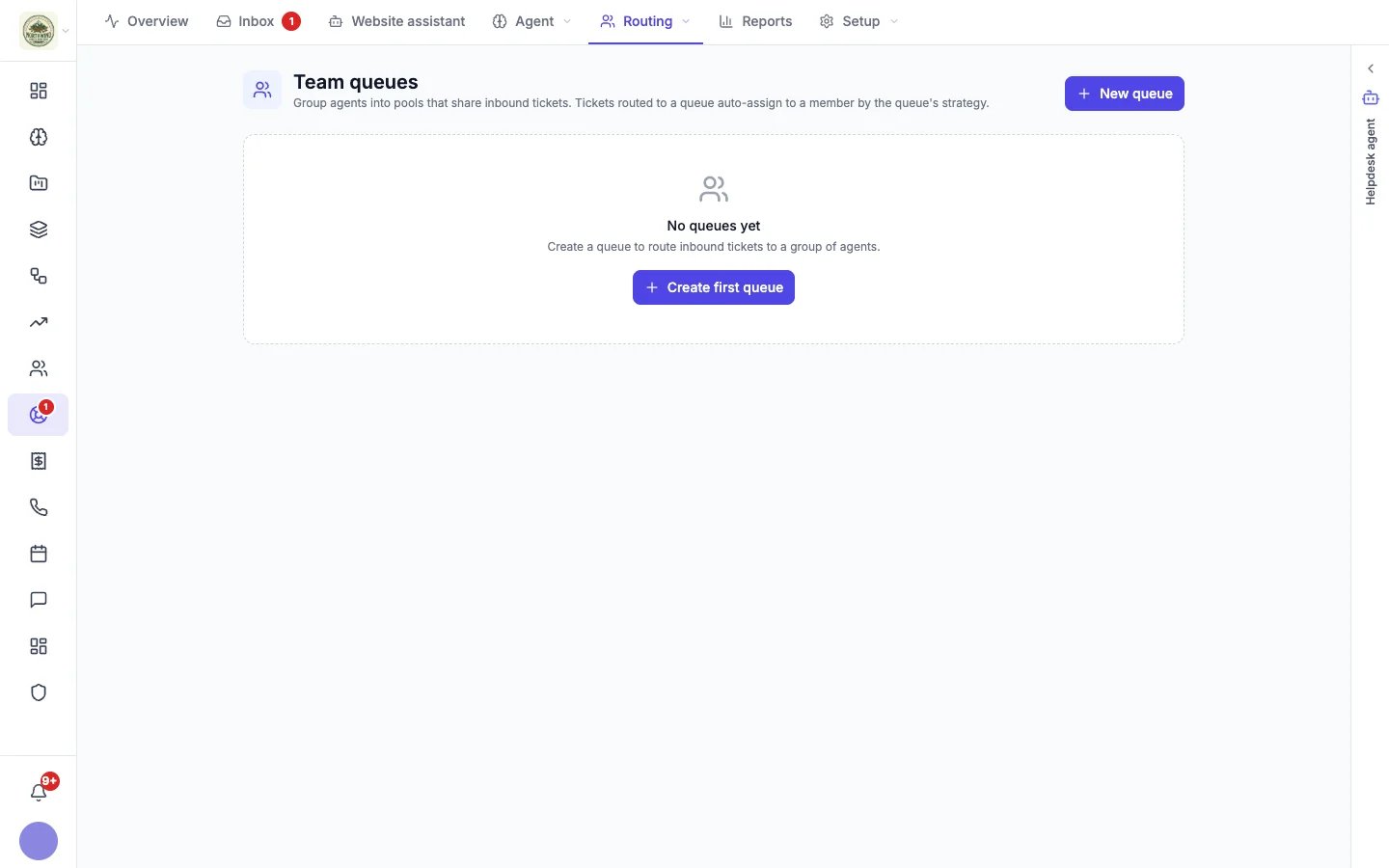 1. Click **New queue**.
2. Give it a **Name** and a short description of what kind of conversations land there.
3. Choose its **Routing strategy** (round-robin, least busy or a fixed user) and add its **Members**.
A queue with no members does not auto-assign. You can add a queue to the website assistant's **Who it can pass chats to** list, so visitors can be passed straight to that team. See [Website assistant](/helpdesk/website-assistant#what-it-can-do).
## Response time targets
Open **Helpdesk → Routing → SLA** to set the response and resolution times you aim to hit. SLA stands for Service Level Agreement: the promise you make about how fast you answer and resolve a customer's issue.
1. Click **New queue**.
2. Give it a **Name** and a short description of what kind of conversations land there.
3. Choose its **Routing strategy** (round-robin, least busy or a fixed user) and add its **Members**.
A queue with no members does not auto-assign. You can add a queue to the website assistant's **Who it can pass chats to** list, so visitors can be passed straight to that team. See [Website assistant](/helpdesk/website-assistant#what-it-can-do).
## Response time targets
Open **Helpdesk → Routing → SLA** to set the response and resolution times you aim to hit. SLA stands for Service Level Agreement: the promise you make about how fast you answer and resolve a customer's issue.
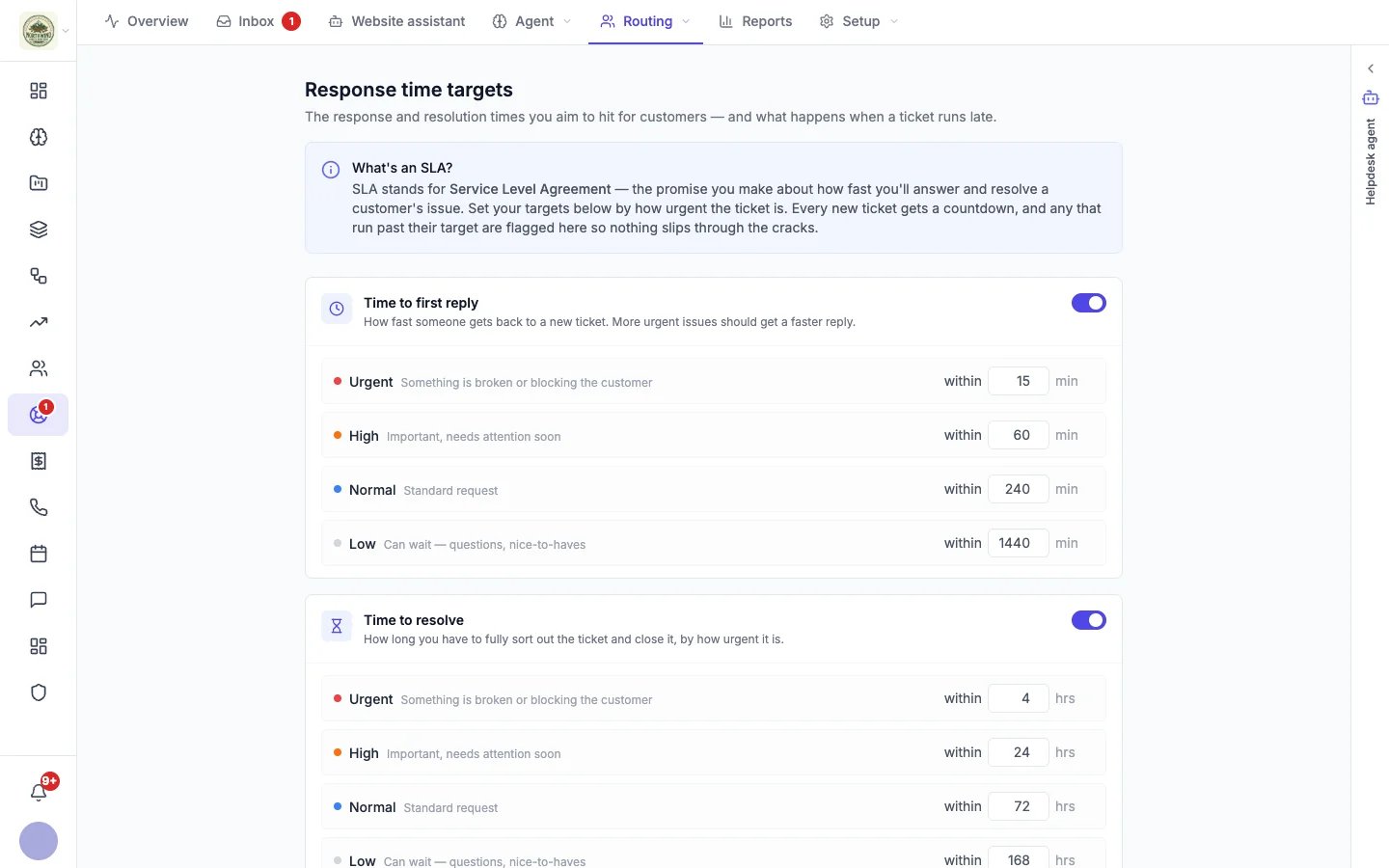 Every new conversation gets a countdown based on its priority.
| Priority | Meant for | Time to first reply (default) | Time to resolve (default) |
| - | - | - | - |
| **Urgent** | Something is broken or blocking the customer | 15 minutes | 4 hours |
| **High** | Important, needs attention soon | 1 hour | 24 hours |
| **Normal** | A standard request | 4 hours | 3 days |
| **Low** | Can wait: questions, nice-to-haves | 1 day | 7 days |
Change any target; it saves when you click away. You can switch each target off here or in [Helpdesk settings](/helpdesk/settings#response-time-targets).
### When a conversation runs late
The moment a conversation passes a target, Hiveku can:
* **Raise its priority one level** (low to normal, normal to high, high to urgent).
* **Notify the assignee** by bell and email, or the account admins when nobody is assigned.
* **Post it to Slack**, when Slack alerts are on.
Each conversation triggers this only once per target, so it never nags. Deadlines are checked every 10 minutes.
Every new conversation gets a countdown based on its priority.
| Priority | Meant for | Time to first reply (default) | Time to resolve (default) |
| - | - | - | - |
| **Urgent** | Something is broken or blocking the customer | 15 minutes | 4 hours |
| **High** | Important, needs attention soon | 1 hour | 24 hours |
| **Normal** | A standard request | 4 hours | 3 days |
| **Low** | Can wait: questions, nice-to-haves | 1 day | 7 days |
Change any target; it saves when you click away. You can switch each target off here or in [Helpdesk settings](/helpdesk/settings#response-time-targets).
### When a conversation runs late
The moment a conversation passes a target, Hiveku can:
* **Raise its priority one level** (low to normal, normal to high, high to urgent).
* **Notify the assignee** by bell and email, or the account admins when nobody is assigned.
* **Post it to Slack**, when Slack alerts are on.
Each conversation triggers this only once per target, so it never nags. Deadlines are checked every 10 minutes.
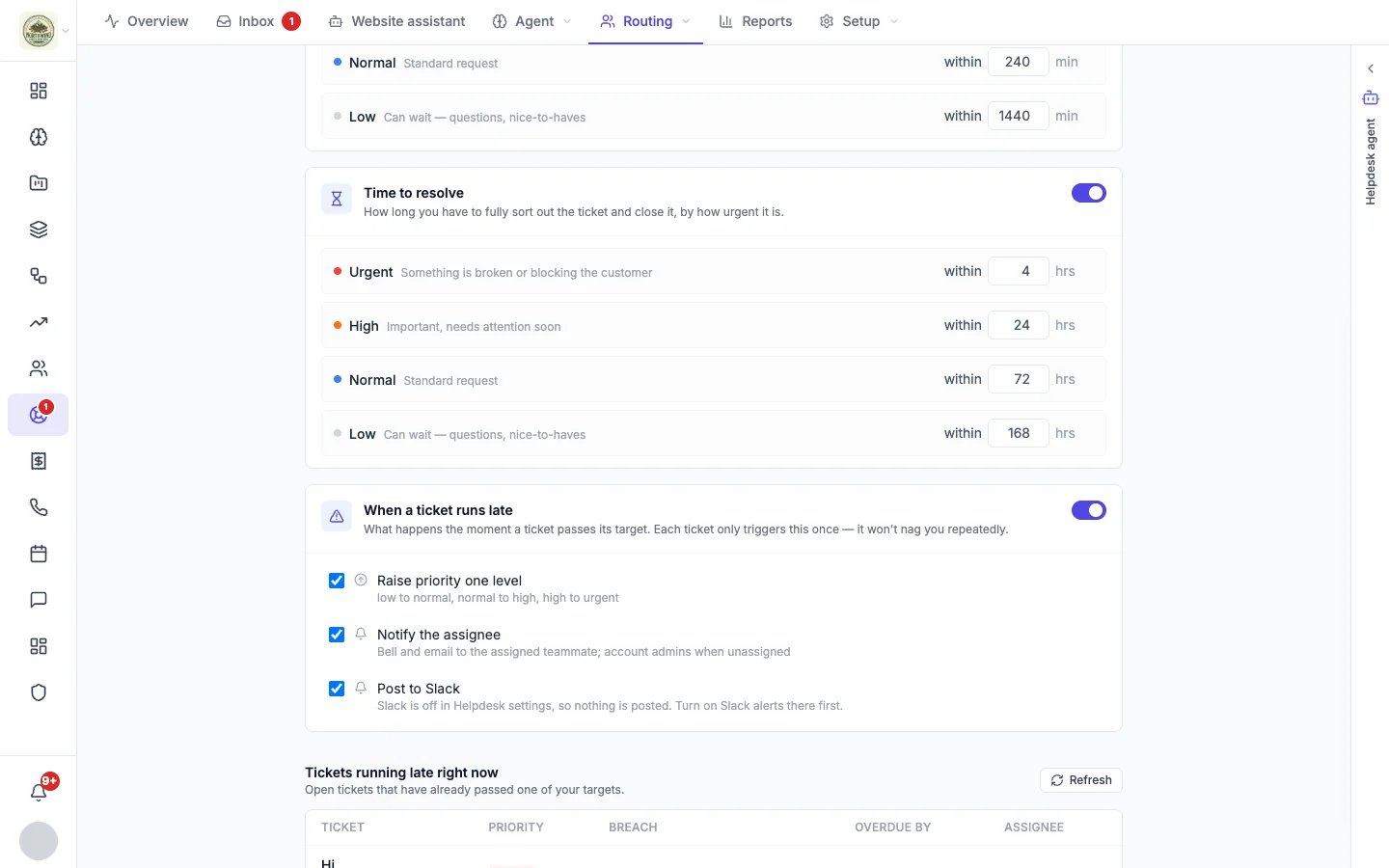 **Tickets running late right now** lists open conversations that have already passed a target, with how late they are and who has them. [Reports](/helpdesk/reports) shows your breach rate for the period you choose.
This documentation is built and hosted on [Mintlify](https://mintlify.com), a developer documentation platform.
**Tickets running late right now** lists open conversations that have already passed a target, with how late they are and who has them. [Reports](/helpdesk/reports) shows your breach rate for the period you choose.
This documentation is built and hosted on [Mintlify](https://mintlify.com), a developer documentation platform.