Automatic assignment
In Helpdesk → Setup → Settings, turn on Auto-assign tickets to pick a teammate as soon as a conversation arrives:- Round-robin spreads conversations evenly across your team.
- Least busy picks the teammate with the fewest open conversations.
- A fixed person always assigns to the same teammate.
Team queues
Queues group teammates into pools that share incoming conversations, for example “Tier 1 Support” or “Billing”. Open Helpdesk → Routing → Queues.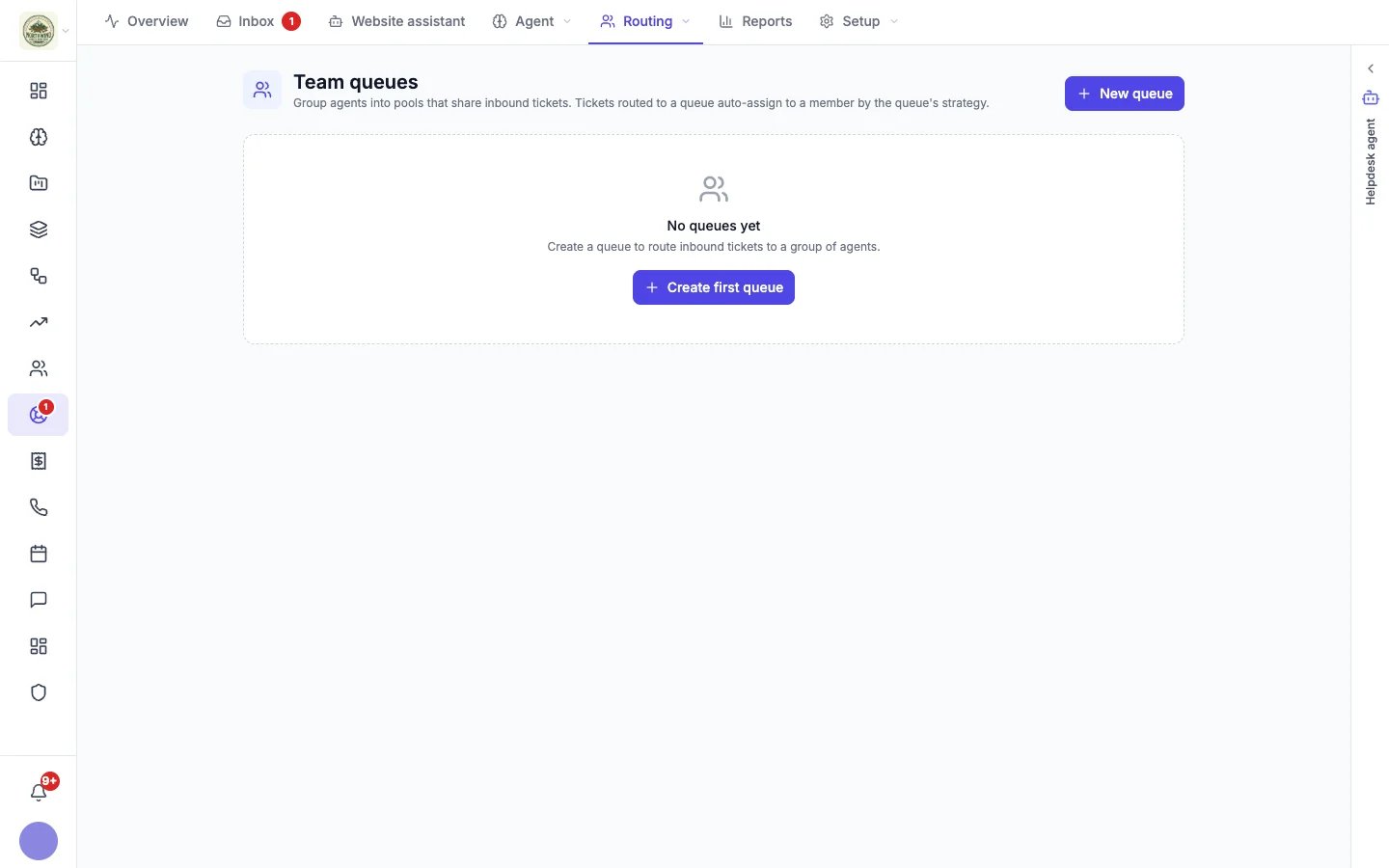
- Click New queue.
- Give it a Name and a short description of what kind of conversations land there.
- Choose its Routing strategy (round-robin, least busy or a fixed user) and add its Members.
Response time targets
Open Helpdesk → Routing → SLA to set the response and resolution times you aim to hit. SLA stands for Service Level Agreement: the promise you make about how fast you answer and resolve a customer’s issue.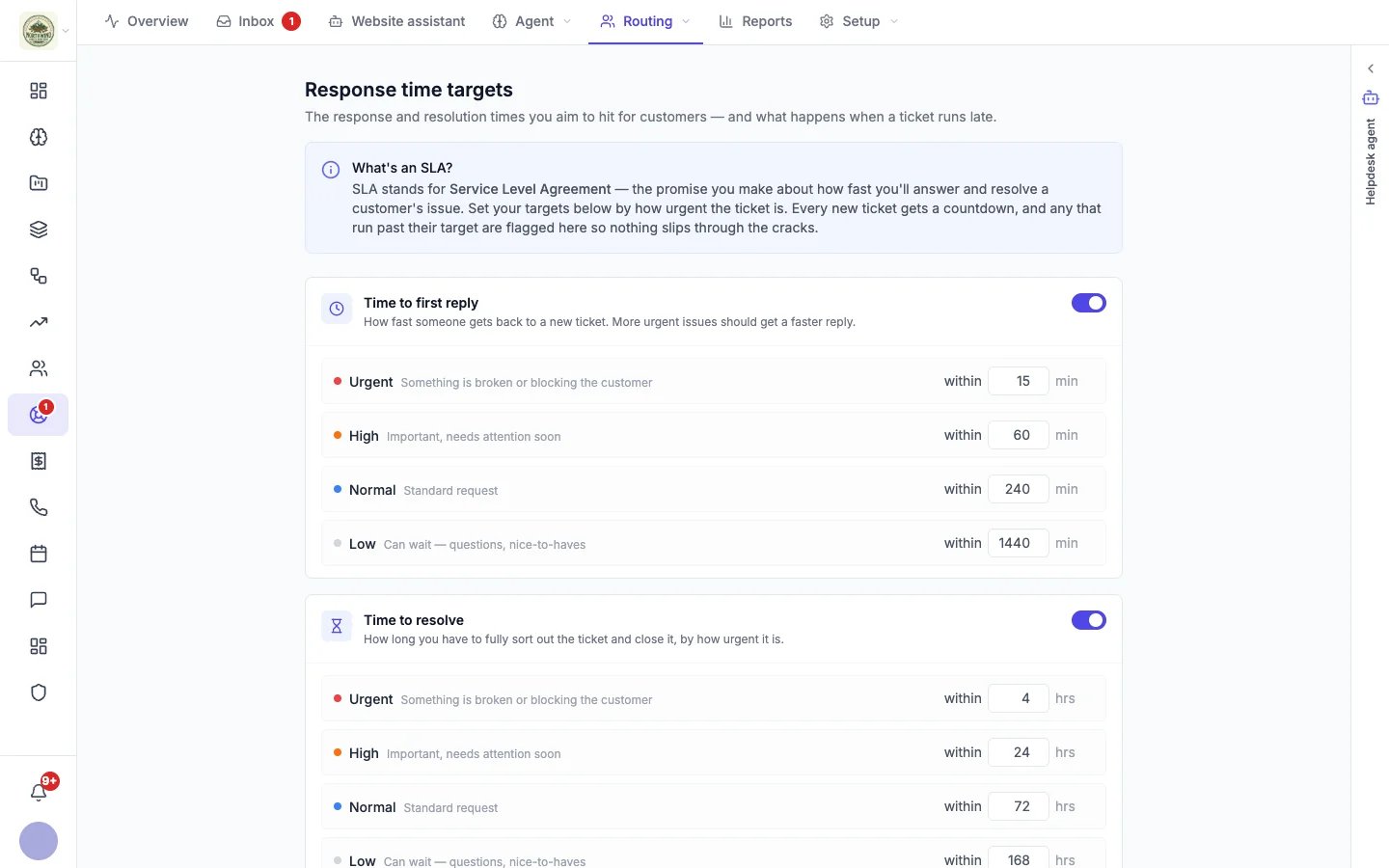
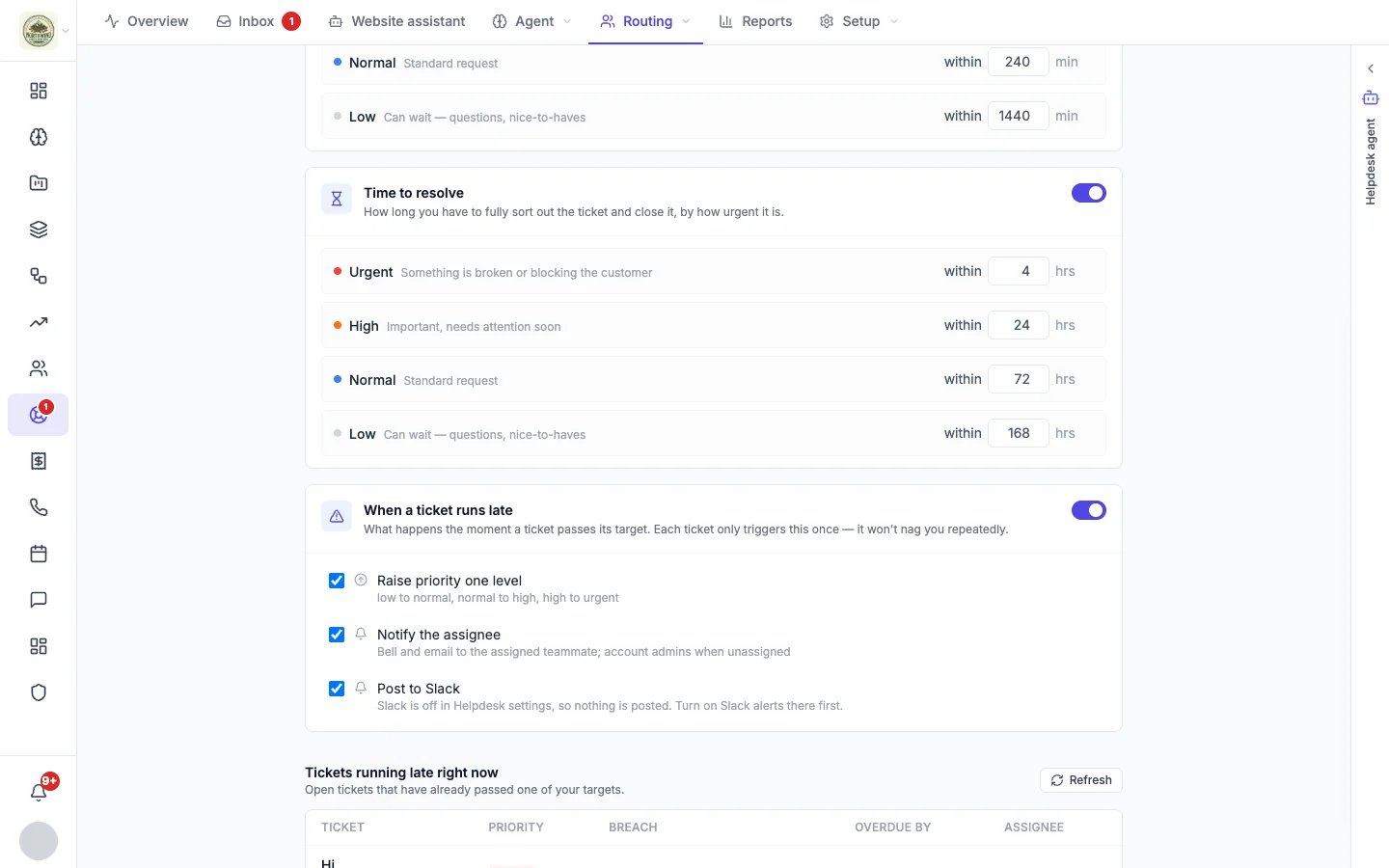
Response time targets by priority
Change any target; it saves when you click away. You can switch each target off here or in Helpdesk settings.
When a conversation runs late
The moment a conversation passes a target, Hiveku can:- Raise its priority one level (low to normal, normal to high, high to urgent).
- Notify the assignee by bell and email, or the account admins when nobody is assigned.
- Post it to Slack, when Slack alerts are on.