

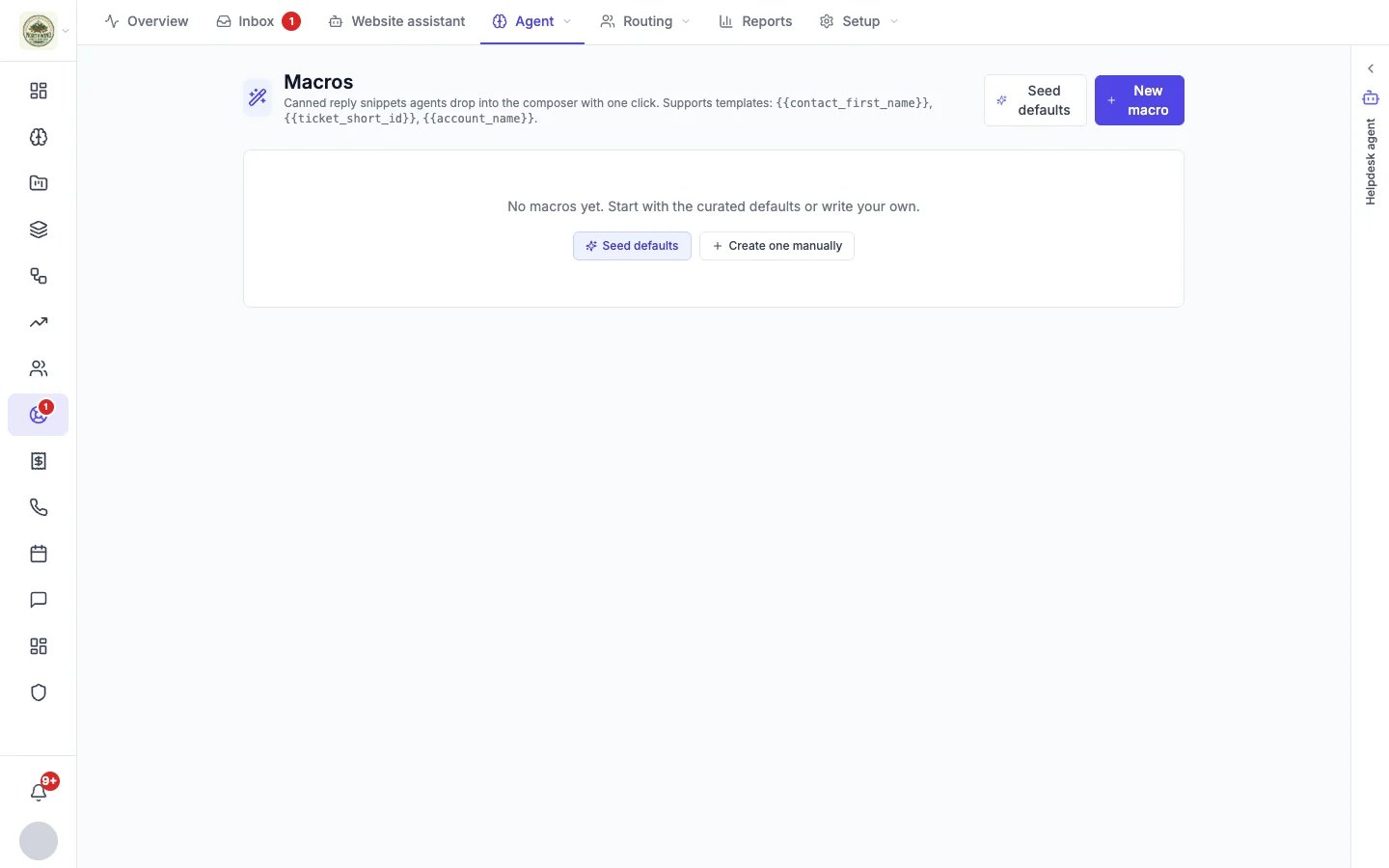
Macros, before the first one
Create a saved reply
- Click New macro, or Seed defaults to start from a curated set you can edit.
- Give it a Title (for example “Refund acknowledgment”) and a one-line Description of when to use it.
- Write the Body. You can use these placeholders, filled in when you insert the reply:
{{contact_first_name}}: the customer’s first name{{ticket_short_id}}: the conversation’s reference number{{ticket_subject}}: the conversation’s subject{{account_name}}: your business name
- Add Tags to group it, then save.
Use a saved reply
In any conversation, click Saved replies under the reply box (on the full page of an email, text or phone conversation the button is Macros) and pick one. It is inserted into the box with the placeholders filled in, so you can edit it before you send. See Working a conversation.Saved answers for the assistant
A saved answer is a short answer you write once, such as your return policy or delivery times, that your website assistant may give visitors. There are three ways to add one:- On Helpdesk → Website assistant, under Unanswered questions, click Write an answer next to a question visitors asked.
- On the chat widget’s Assistant tab, click Answer it next to a question it could not answer.
- On the Macros page, add the tag
ai-answerto an existing macro.
The assistant skips a saved answer that still contains an unfilled placeholder in square brackets, such as “We cover [your area]”, until you fill it in. Starter kits on the chat widget’s Templates tab suggest saved answers like this for you to complete.