

Open Blocked numbers
Click Communications (the phone) in the left rail, then Admin at the top, then Blocked numbers. Click Block a number.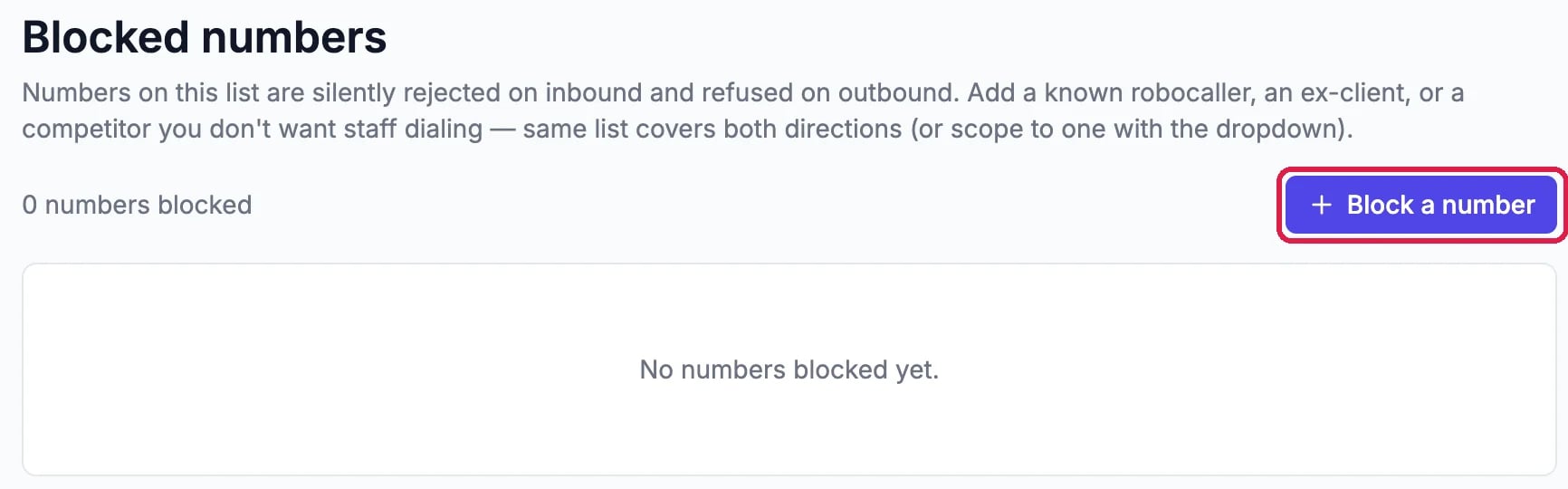
Blocked numbers, with Block a number outlined
Add the number
Fill in the three boxes:- Phone: the number with its country code and no spaces, for example
+15035550199. A 10-digit US number such as5035550199works too. - Reason: a short note for your team, so they know why it’s there.
- Direction: Both blocks calls from the number and calls to it. Inbound only blocks only calls from it, and Outbound only stops your team calling it.

The number, a reason and Both, ready to block

The number is blocked
Remove a number
Click the trash icon on its row, then Remove.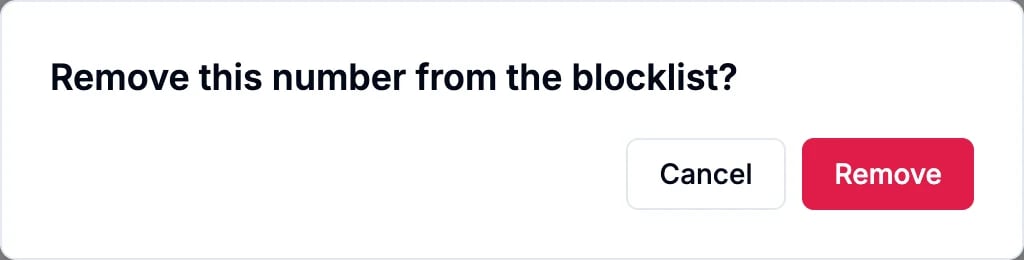
Confirm the removal
Good to know
- Blocked callers aren’t told why. Their call is turned away and nobody’s phone rings.
- The list covers your whole account, every phone number and every teammate.
- Phones first: blocking works once your account has phones set up. See Get a Local or Toll-Free Number.