

A visitor asks the assistant
On Northwind’s site, a visitor opened the chat and asked a question. The assistant answered straight away.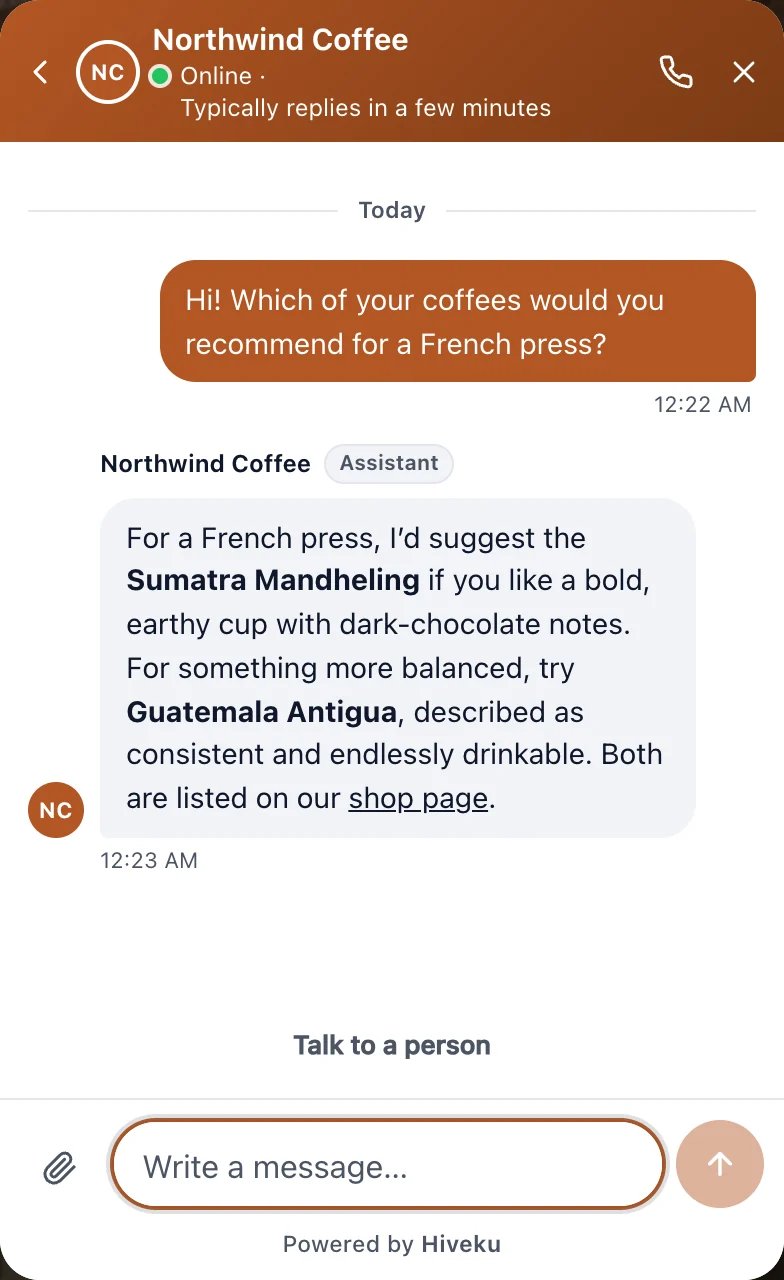
What the visitor sees on your site
Find the chat
Click Helpdesk in the left rail, then Inbox. Chats the assistant is handling show Assistant answering. Visitors still on your site are under Live now. Click the chat to open it.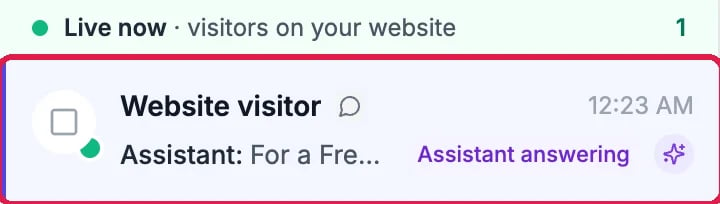
A visitor on your site, with the assistant answering

The assistant is answering
Take over
Click Take over. The banner now says the visitor is waiting for your reply and that you have the chat, and Assigned on the right says You.
You have the chat
Reply
Type your reply in Reply at the bottom and click Send.
Your reply, ready to send
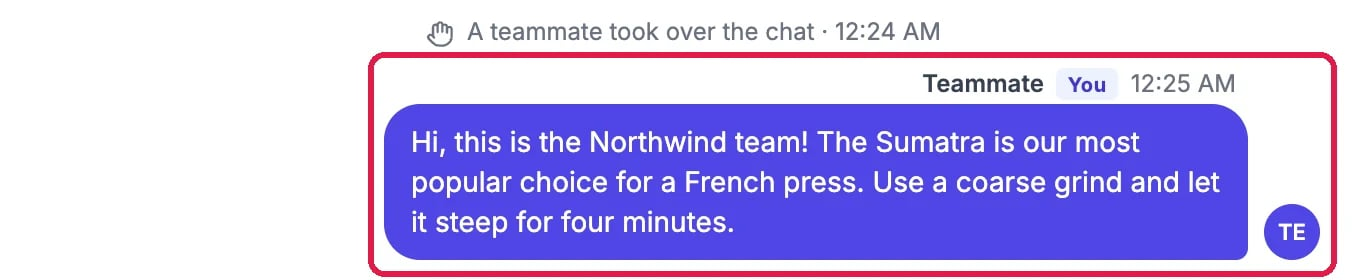
Your reply in the conversation
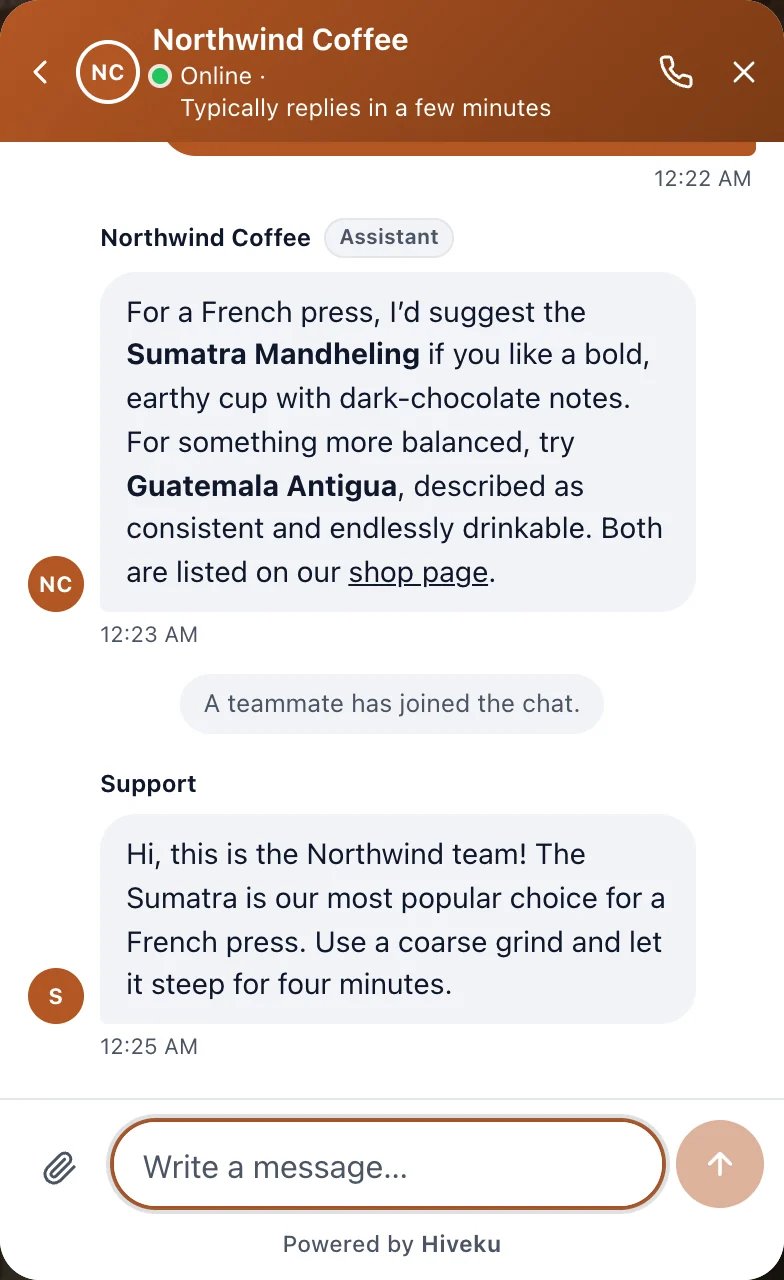
What the visitor sees now
Finish
- Resolve at the top marks the chat as done. Northwind resolved this one, and the visitor was asked to rate the help (see See How Customers Rated Your Help).
- Hand back returns the chat to the assistant, so it answers the visitor’s next question.
Good to know
- While the visitor is on your site, your reply shows in their chat right away. On your site now at the top tells you they’re still there.
- Draft with assistant writes a reply for you to check and send.
- More: Answer a Visitor Who Asked for a Person.