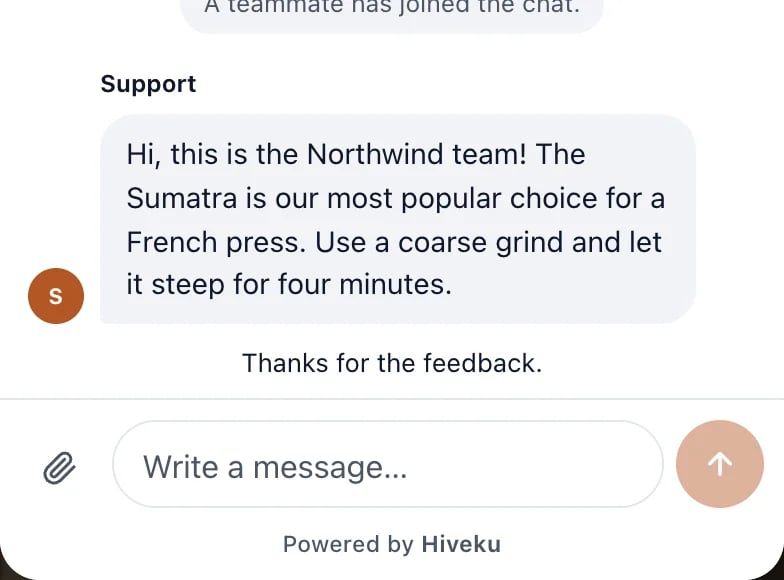
When your team resolves a chat, the chat on your site asks the visitor how you did. Their answer goes into your Helpdesk reports, so you can see how happy customers are with your help. This guide follows a rating from Northwind’s chat to its reports.

The visitor is asked

When you click Resolve on a chat, the visitor’s chat shows How did we do? with Great, Okay and Not great.
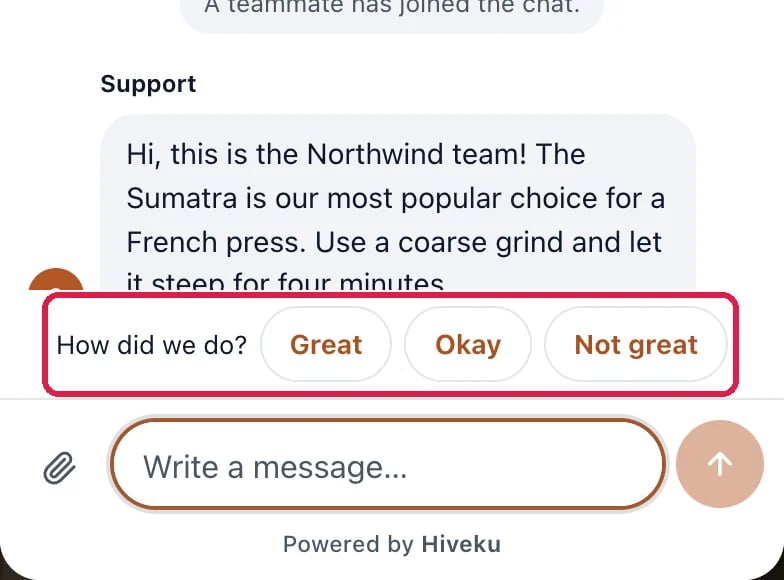
The bottom of the visitor's chat on the website: the team's reply, then How did we do? with Great, Okay and Not great, outlined

The question in the visitor's chat

The visitor taps one and the chat thanks them.
The visitor's chat with the team's reply and Thanks for the feedback.

After the visitor answers

Northwind’s test visitor tapped Great.

See the score

Click Helpdesk in the left rail, then Reports. CSAT, Great shows the share of ratings that were Great, and how many ratings there were. Pick 7d, 30d or 90d at the top right for the period.
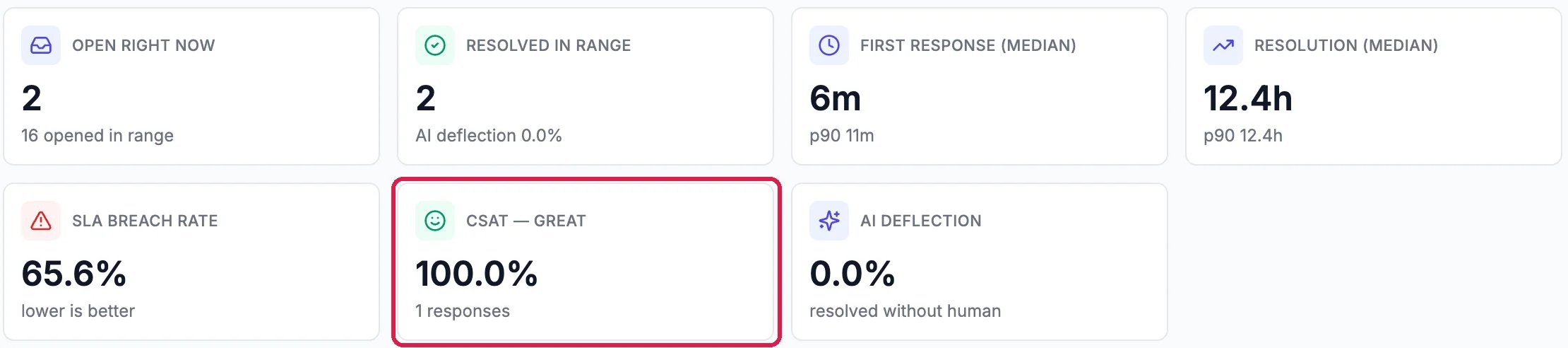
Helpdesk Reports, last 30 days: Open right now, Resolved in range, First response, Resolution, SLA breach rate, and CSAT, Great 100.0% from 1 responses, outlined

The share of Great ratings

Read each rating

Scroll down to CSAT responses. Each rating shows its answer, anything the customer wrote, and when. View ticket opens that conversation.

CSAT responses, what customers actually said, newest first: Great, No written feedback, 10/22/2026, with View ticket, outlined

Every rating, newest first

CSAT trend, just above, charts the ratings over the period.

Good to know

  • The question shows in the chat on your site, so resolve while the visitor is still there to get the most answers.
  • One rating per conversation.
  • More: Step Into a Chat the Assistant Is Answering shows the chat this rating came from.