

Open General
Click your picture at the bottom of the left rail to open Settings, then General at the top of the list.Set the logo, name and time zone
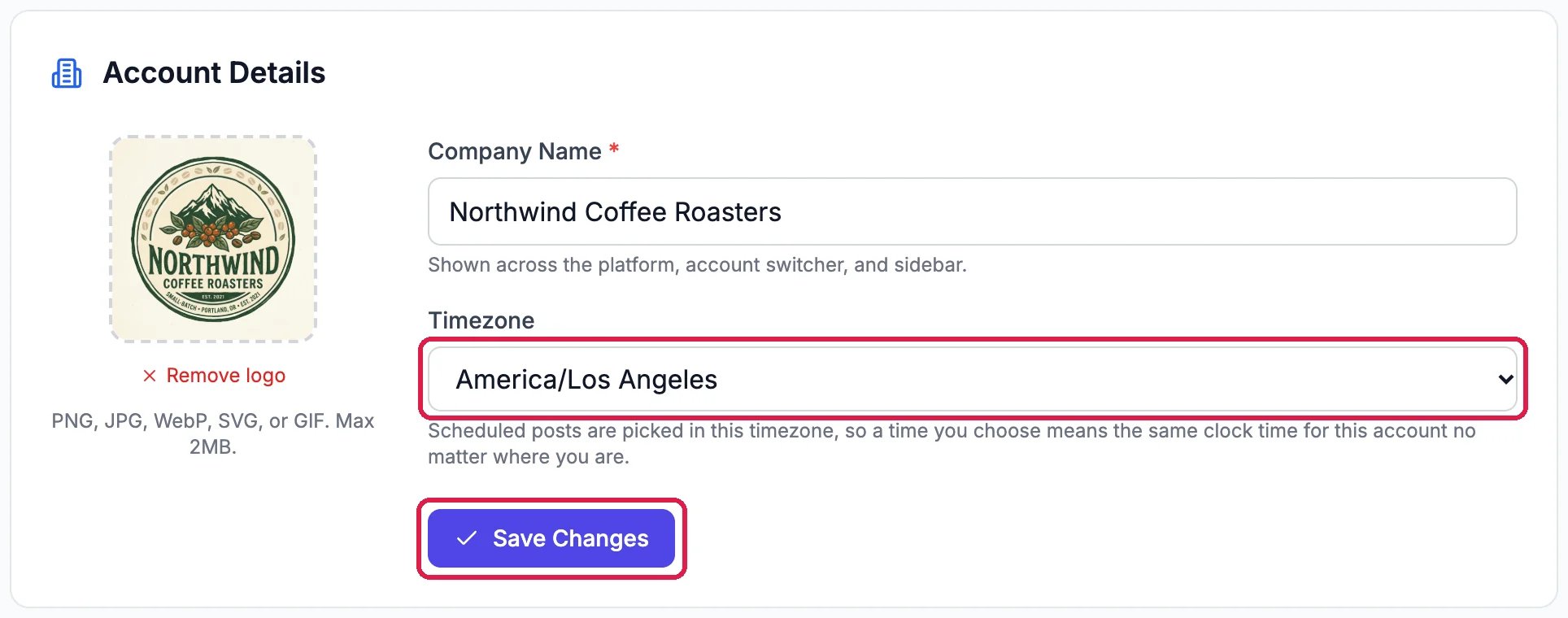
Northwind's logo, name and time zone
1
Add your logo
Click the square on the left and pick an image, or drag one onto it: PNG, JPG, WebP, SVG or GIF, up to 2 MB. Remove logo takes it off again.
2
Check your company name
Company Name is how your account is named everywhere in Hiveku.
3
Pick your time zone
Under Timezone, pick where your business is. A time you choose for a scheduled post then means that clock time in your business’s time zone, wherever you are when you set it. Use each person’s own timezone lets each teammate work in their own.
4
Save
Click Save Changes.
Good to know
- Your account ID is under Account Information further down. Support may ask for it.
- How long Hiveku keeps things, such as earlier versions of your files, is listed under Data Retention & Storage on the same page.
- Your own name, picture and sign-in are on Profile, not here.
- Everything about your business that your AI team reads is under About your business: see Tell Your AI Team About Your Business.