

Copy the code
Click Calendar in the left rail, then Share & embed. What to share at the top picks your whole booking page or one meeting type. Northwind kept Booking page (all meeting types). Click the Inline embed tab. It puts the calendar inside a page. Leave Code on Script (recommended), so the calendar grows and shrinks with the page. Then click Copy code.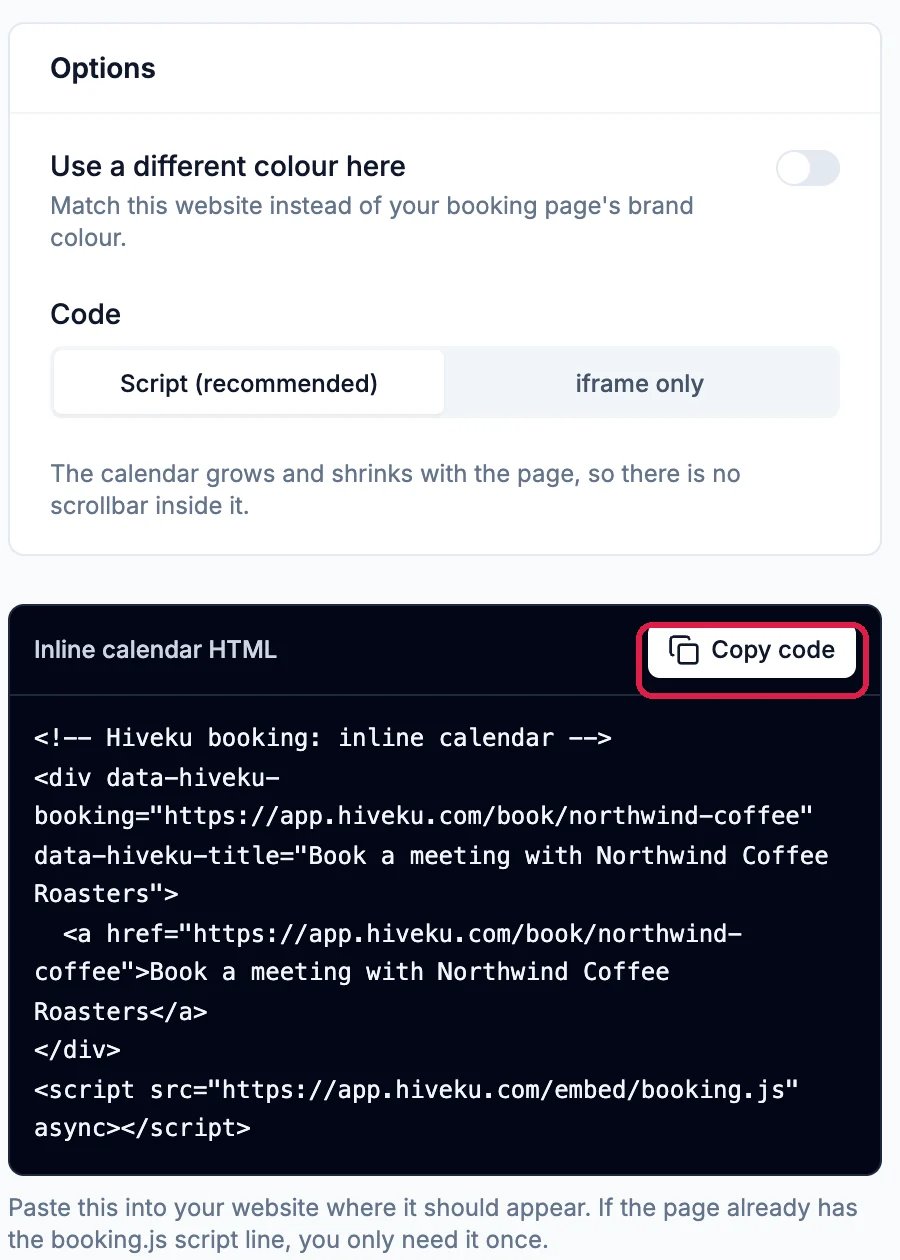
The Inline embed code, with Copy code outlined
Put it on a page
On a site made in Hiveku, let the builder’s AI place it. Open the website in the builder and say where the calendar should go, then paste the code into the chat.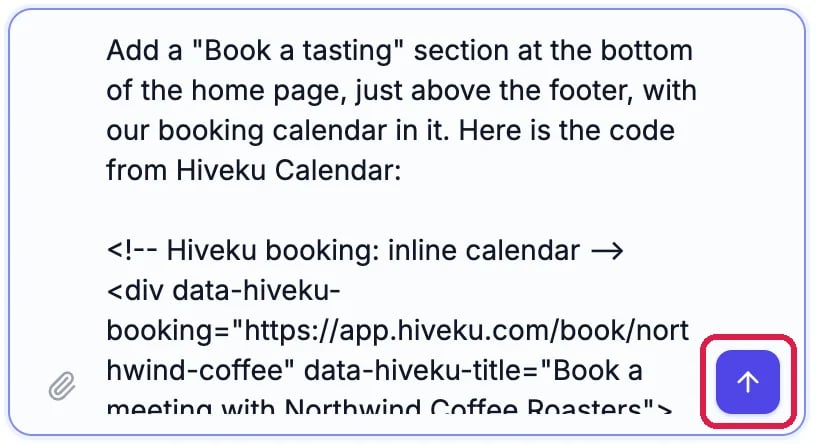
The request, with the code pasted in
On a website made somewhere else, paste the code into that page’s HTML where the calendar should appear.
Try it in the preview
Scroll to the new section in the preview. Your meeting types appear as cards.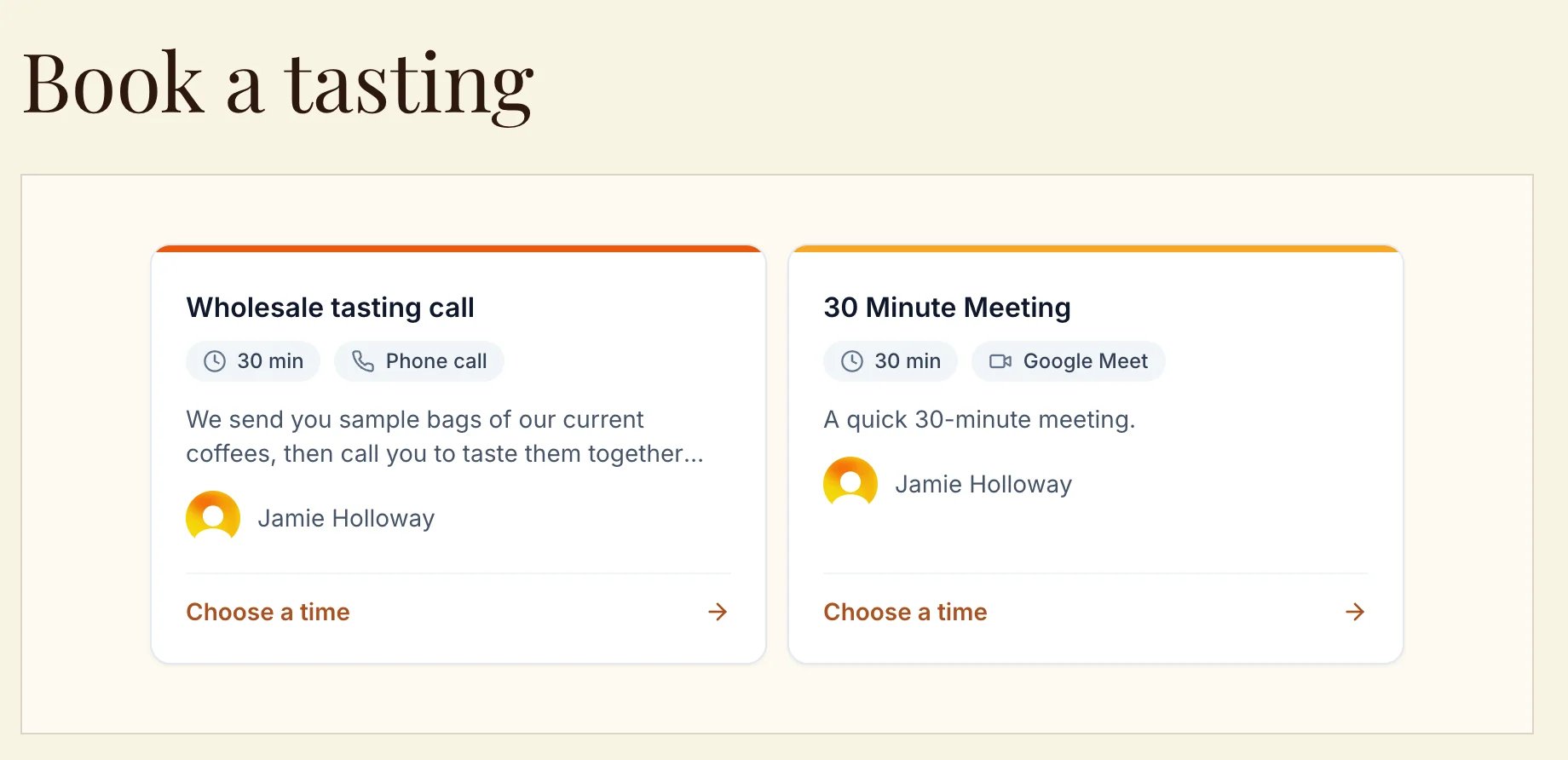
The booking calendar on the home page, in the preview
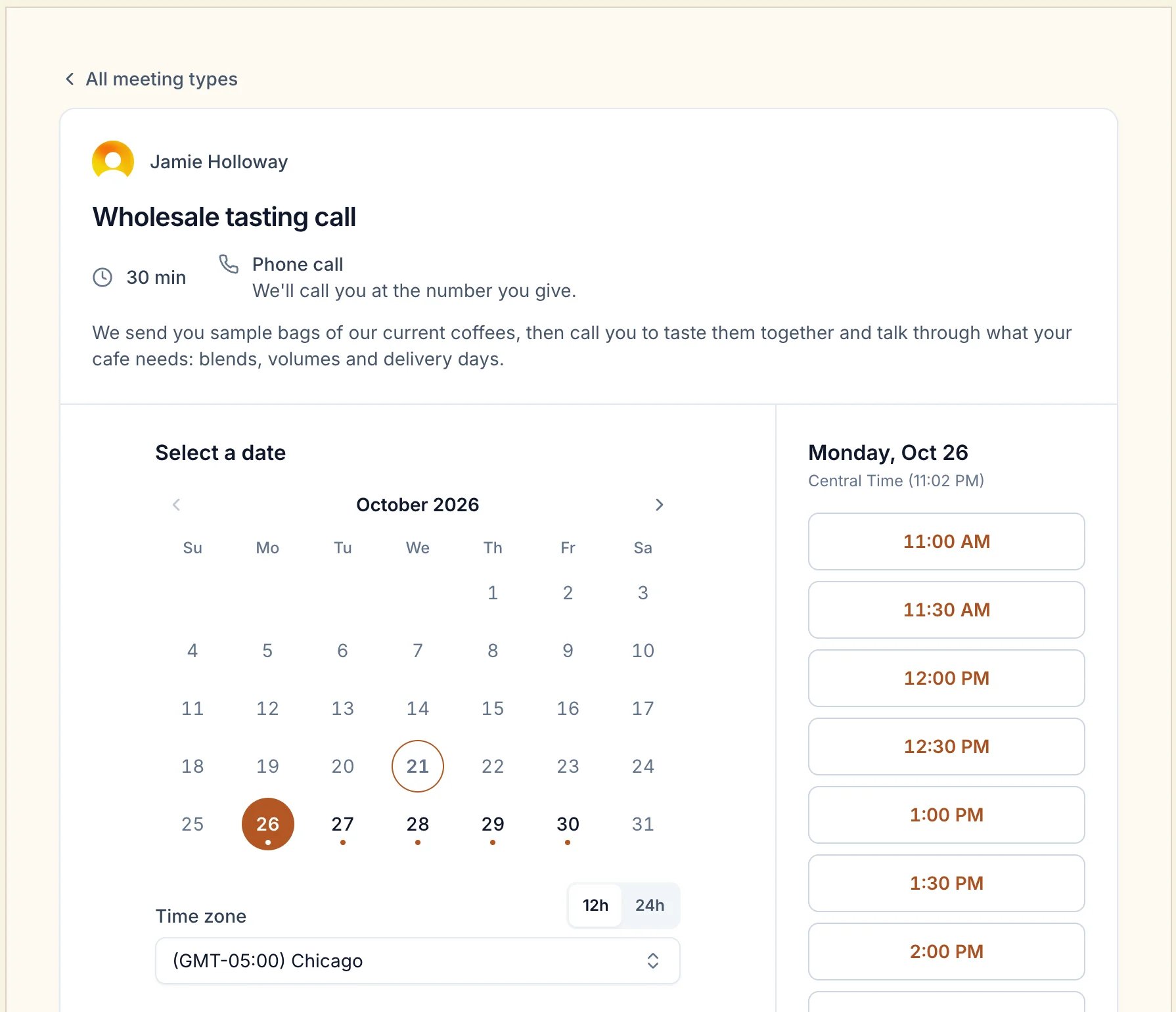
Picking a date and time without leaving the site
Publish it
The calendar reaches your live site when you publish. See Publish Your Changes.Good to know
- A button instead. Popup button gives you a button that opens the calendar over the page. Floating button keeps a button in a bottom corner: paste its code into Footer code on your site’s Custom Code page to show it on every page, as in Add a Tracking Code to Every Page.
- One meeting type only. Pick it in What to share before you copy the code.
- Your site’s colors. Use a different colour here gives the calendar a color to match this website instead of your booking page’s.
- More: Share Your Booking Link and QR Code and Set Up Your Booking Page.