

Open the site’s hosting settings
Open the website, click its name at the top of the page, then Hosting.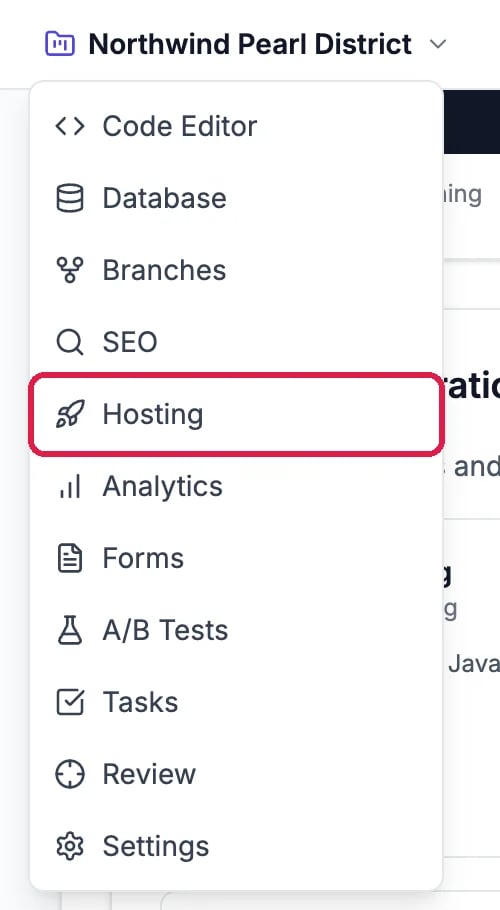
Hosting, in the site's menu
Turn the badge off
Scroll to Made in Hiveku. While it is on, the card shows where the badge sits, with Left and Right to move it, and a preview.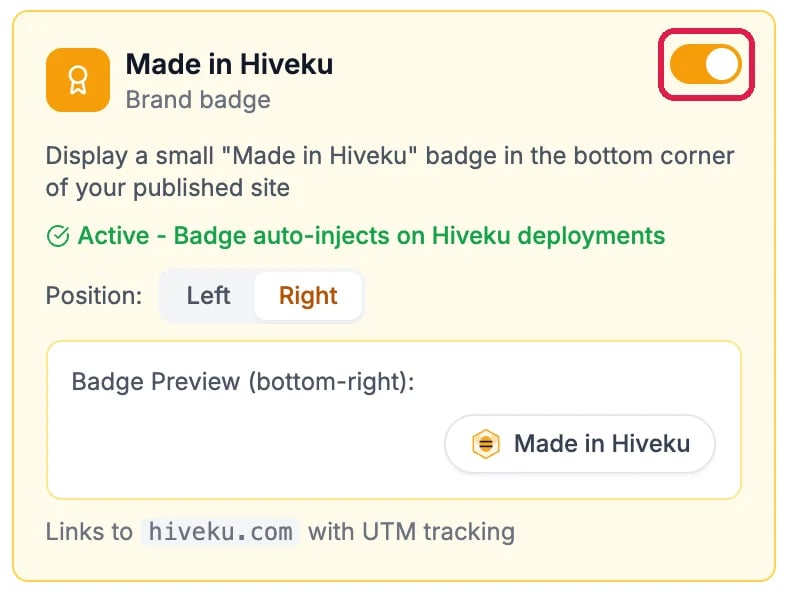
The badge, switched on
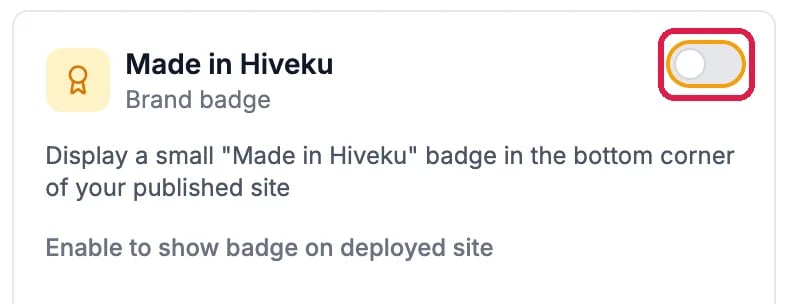
The badge, switched off
Deploy to apply it
The change reaches your live site the next time you deploy. Click Deploy at the top right and deploy to Production, as in Publish Your Changes. Northwind’s Pearl District site isn’t published, so it switched the badge back on after this guide.Good to know
- On the Free plan the badge is included, and the card offers upgrade to remove it.
- Development and Staging have their own switch on their own tabs.
- Move it instead: with the badge on, Left and Right choose the corner.