

Open the site’s hosting settings
Open the website, click its name at the top of the page, then Hosting. Click Production in the row of environments: Production is your live site, and Development and Staging have their own switch. Scroll to Hiveku Integrations and find the Form spam protection card.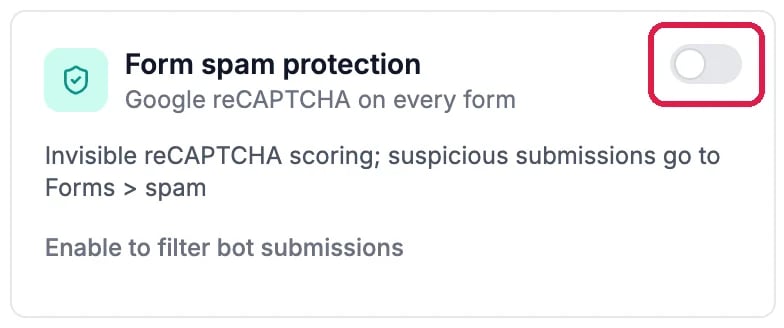
Form spam protection, switched off
Turn it on and choose how strict it is
Click the switch. A message confirms it, and the card shows three levels:- Lenient files only submissions that are certainly spam.
- Balanced is recommended for most forms.
- Strict files borderline submissions too.
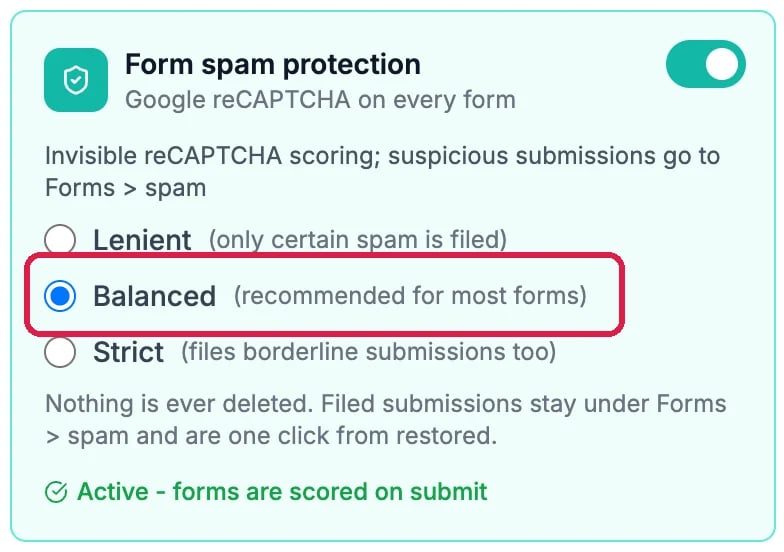
Switched on, with Balanced picked
Deploy to apply it
The robot check reaches your live site the next time you deploy. Click Deploy at the top right and deploy to Production, as in Publish Your Changes. Northwind’s Pearl District site isn’t published, so it switched the protection back off after this guide.Check the Spam folder
Spam is filed, never deleted. Click the site’s name, then Forms, and click Spam above the list of submissions. Northwind’s main site has nothing filed as spam.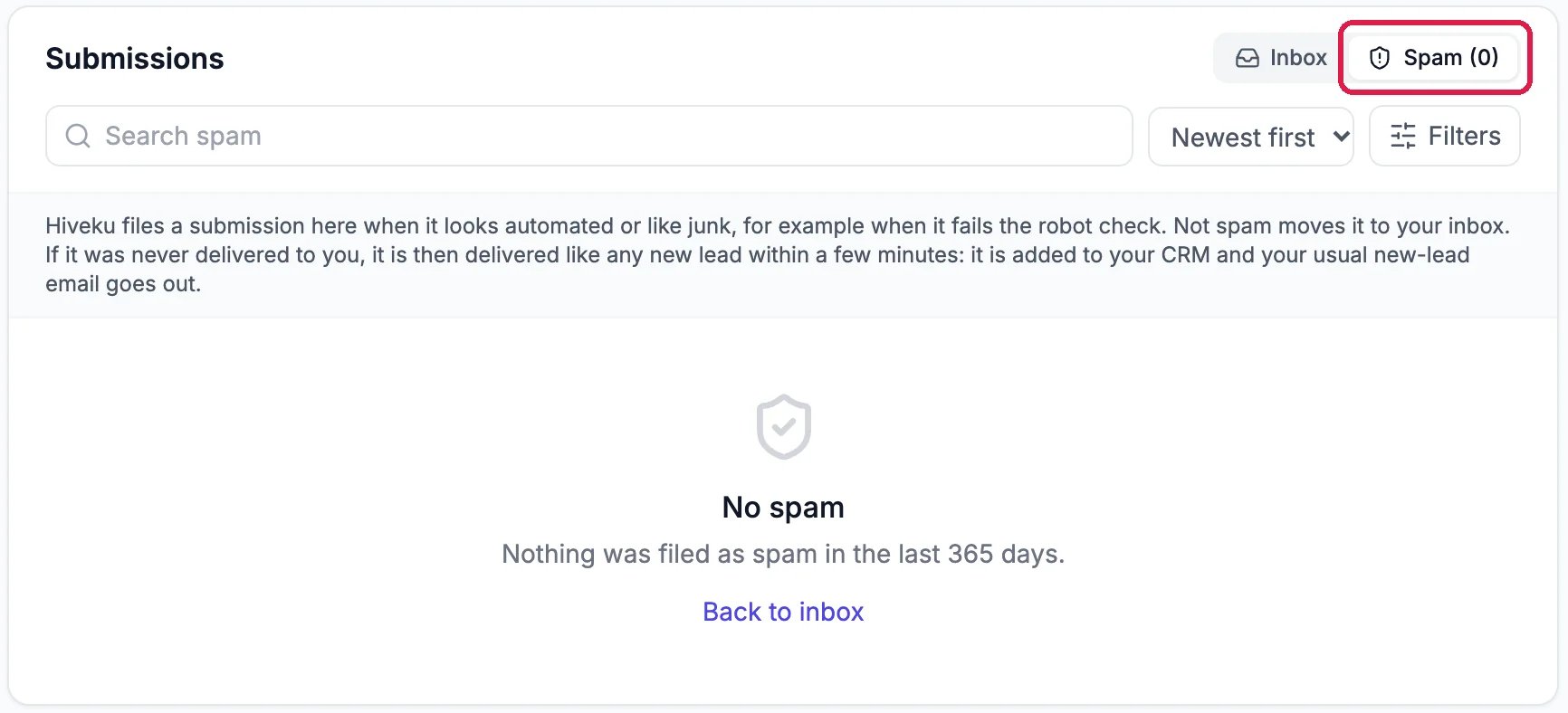
The Spam folder on Northwind's main site
Good to know
- Getting real inquiries in Spam? Switch to Lenient. Still getting junk? Try Strict.
- Development and Staging have their own switch on their own tabs, so you can try it there first.