

Open Profit & Loss
Click Commerce in the left rail. In the list on the left, under Reports, click Profit & Loss.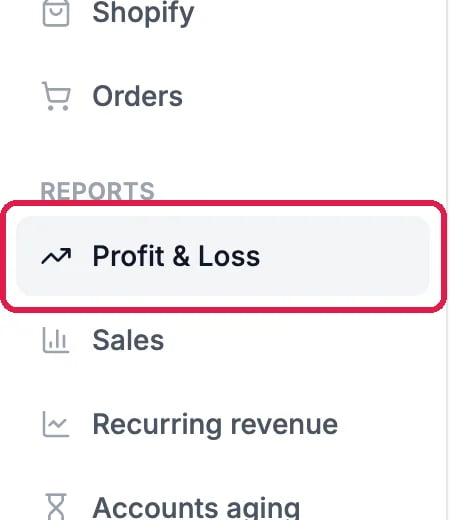
Profit & Loss, under Reports
Read the totals and the months
The four cards at the top total the period: Revenue, Expenses (bills plus payroll), Net profit and Margin, the share of revenue you kept. Below them, Revenue vs expenses shows each month side by side.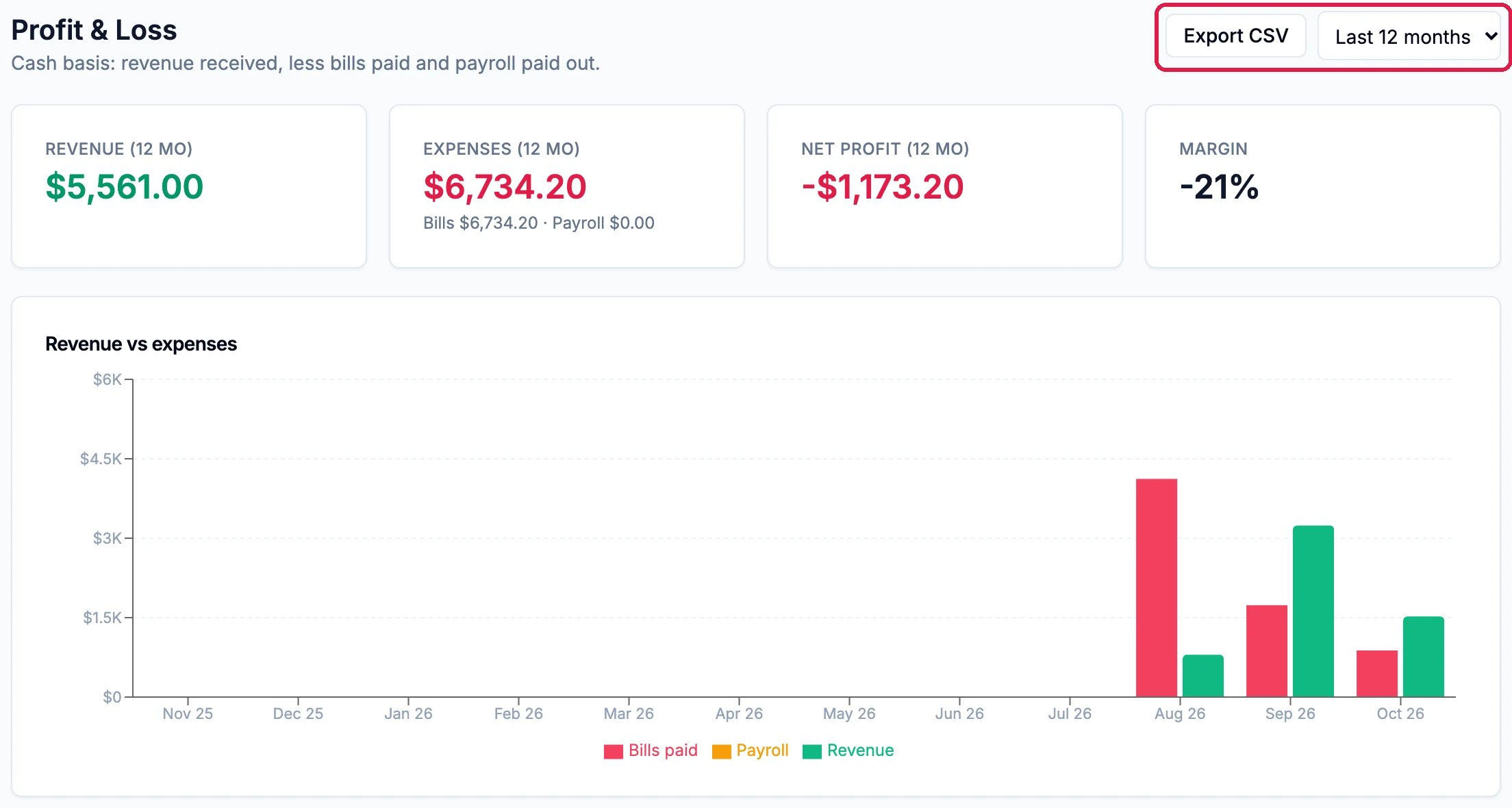
Northwind's last 12 months
See where the money goes
Further down, Expenses by category totals your bills by their category, and Top vendors lists who you paid the most.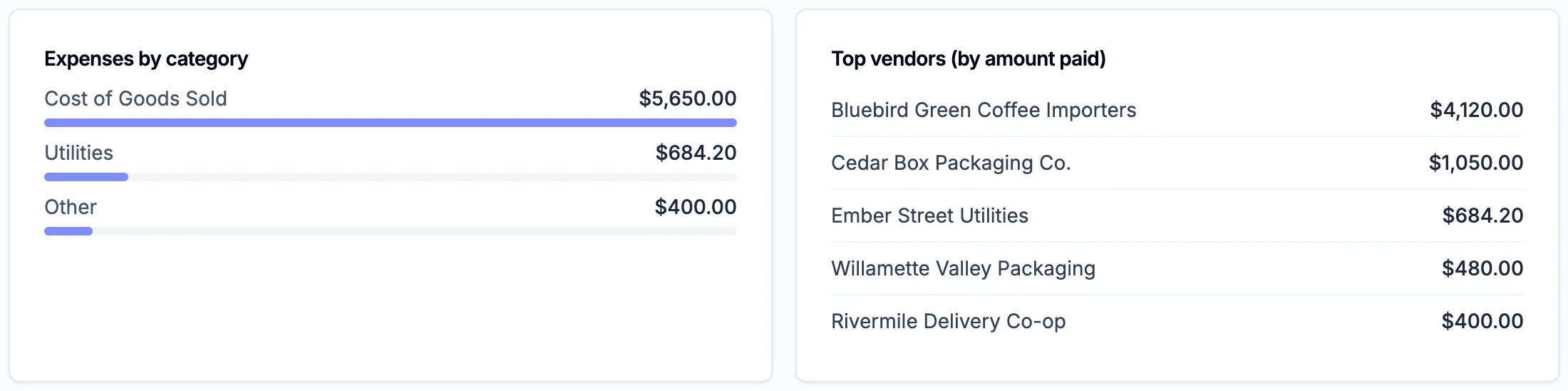
Costs by category and by supplier
Send the numbers to your accountant
Click Export CSV at the top. It downloads a spreadsheet file with one row per month: revenue, bills paid, expenses and profit. Attach it to an email to your accountant, or open it in Excel or Google Sheets.Good to know
- Only money that moved is counted. An invoice you sent but haven’t been paid for isn’t revenue here until it’s paid; see Find and Chase Overdue Invoices.
- Sales by client or by product are in the other reports under Reports: see Read Your Sales and Revenue Reports.