

Ask for the search box
Open the website in the builder and tell the AI in the chat where the box goes, what it should search, and what to show.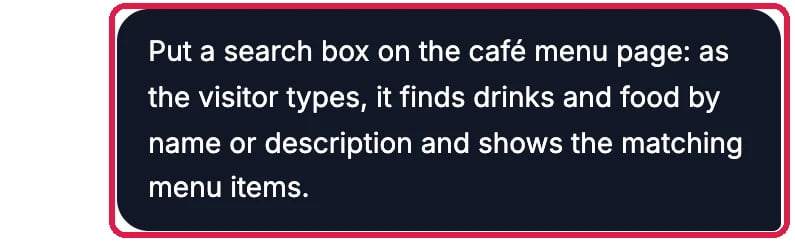
The request
Try it in the preview
Scroll to the search box in the preview and type a word. The matching items show at once, with a count. Clear the box with the cross to see everything again.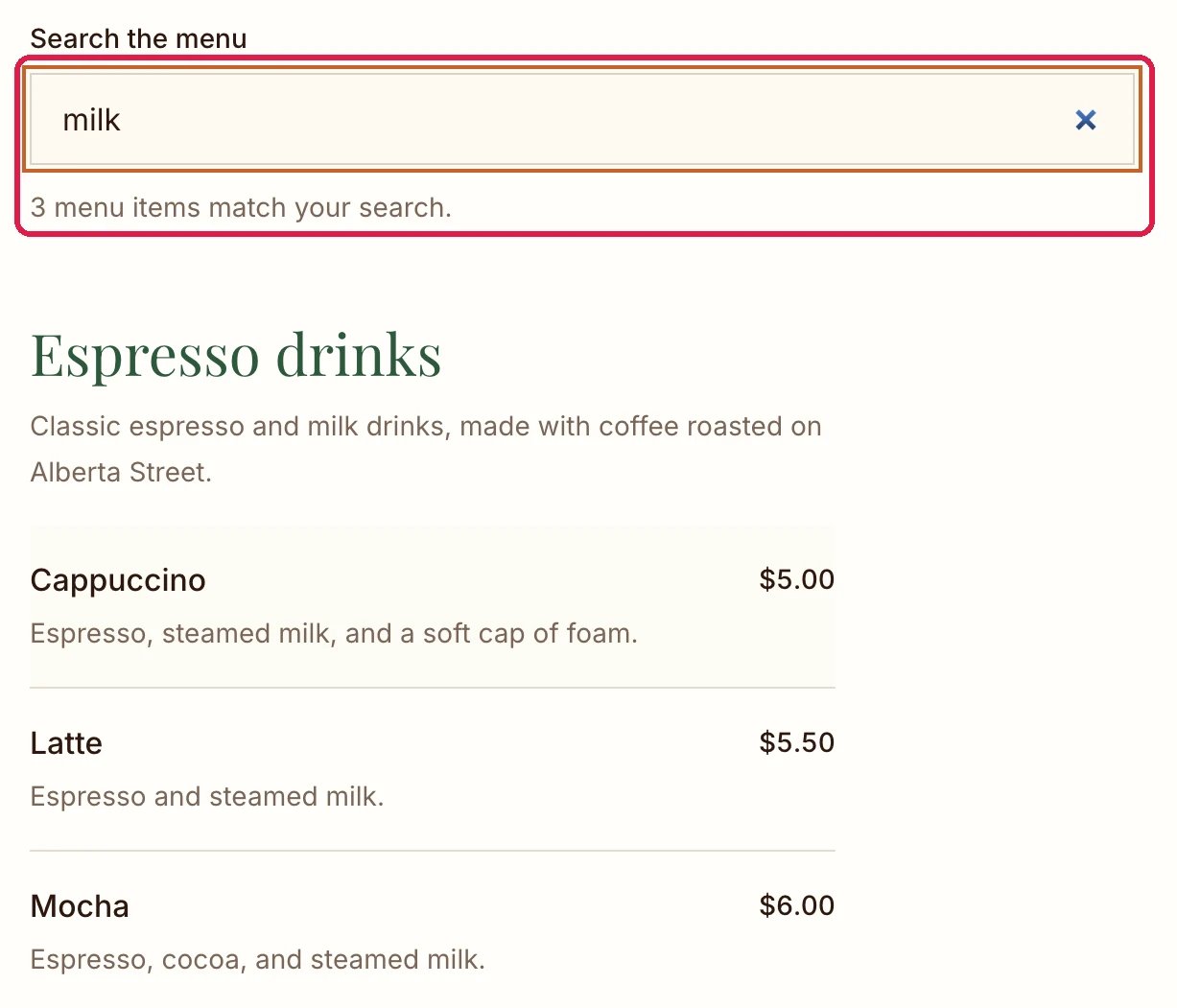
Searching for milk
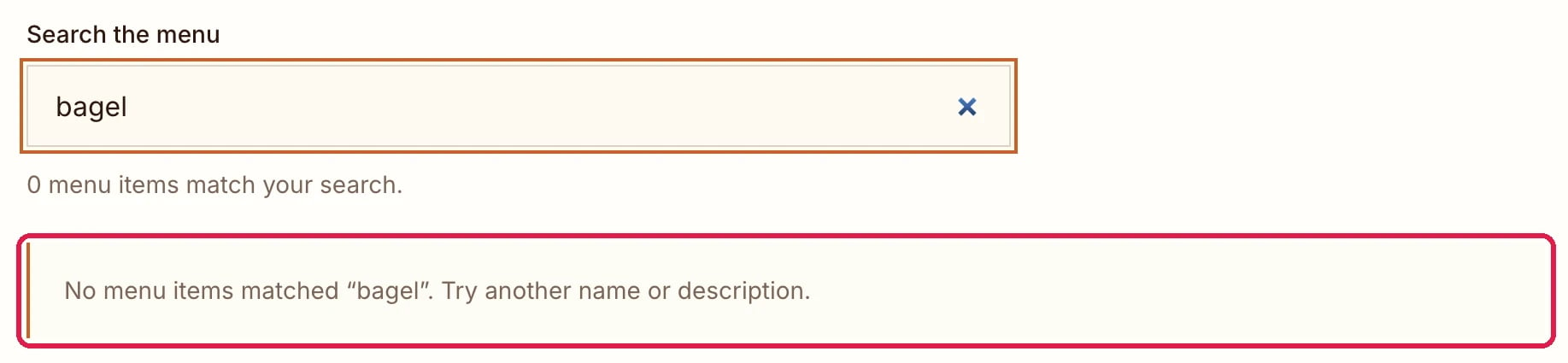
No matches
Good to know
- Say what to search. Name the page, the content (menu items, products, blog posts) and the details to match, such as names or descriptions.
- Content in the CMS stays searchable. New items you add in the CMS show up in the search without asking the AI again. See Edit Your Content in the CMS.
- Changed your mind? Undo a Change shows how to take a chat change back.